


CQ | How to Train a Small AI Model for Emotion Recognition in Online Conversations: Practical Python Guide
⚡ Reper CorpQuants: If you remember one thing: training a small AI model for emotion recognition in online conversations is feasible, even on imbalanced data, if you correctly apply fine-tuning and class management techniques — opening new opportunities for sentiment analysis and optimizing customer interaction.
In the era of digital communication, understanding emotions in online messages has become essential for success in business, HR, and customer support. Emotions conveyed through text can influence customer decisions, employee satisfaction, and brand reputation.
But how can you quickly and efficiently train a small AI model to recognize emotional nuances in real, often imbalanced, data? This article shows you, step by step, how to use Python to fine-tune an SLM, overcoming the practical challenges of emotion recognition in the online environment.
Context and Current Trends: Small AI Models and the Challenge of Imbalanced Data
Small Language Models (SLMs), such as Mistral Small 3.1, have become increasingly popular due to their efficiency relative to resource consumption. These models can be easily integrated into business workflows, offering advanced language processing capabilities at low costs.
However, emotion recognition in online conversations comes with a major challenge: real-world data is imbalanced. In most datasets, emotions like “neutral” or “positive” dominate, while negative or complex emotions are rare. This imbalance can lead to models that ignore minority classes, affecting performance in critical scenarios.
Practical Guide: Fine-tuning with Python for Emotion Recognition
1. Preparing the Dataset
- Collect and clean the data: Use sources such as social media conversations, support chats, or reviews. Remove noise (irrelevant emojis, links, personal data).
- Labeling: Ensure each message is labeled with an emotion (e.g., joy, sadness, anger, neutral). You can use crowdsourcing or automated validation for labeling.
2. Analyzing Class Imbalance
Use pandas to visualize label distribution. For example:
import pandas as pd
df = pd.read_csv('emotions.csv')
print(df['label'].value_counts())3. Handling Class Imbalance
- Resampling: Use
imbalanced-learnfor oversampling (SMOTE) or undersampling. - Loss weighting: In PyTorch or TensorFlow, set
class_weightto penalize errors on rare classes. - Data augmentation: Create additional examples for minority classes using automatic paraphrasing or text generation.
4. Fine-tuning the Mistral Small 3.1 Model with Python
- Load the pre-trained model:
from transformers import AutoModelForSequenceClassification, AutoTokenizer model = AutoModelForSequenceClassification.from_pretrained('mistral-small-3.1') tokenizer = AutoTokenizer.from_pretrained('mistral-small-3.1') - Prepare the data for training: Tokenize the texts and create
DataLoaders. - Configure training: Use
Trainerfrom HuggingFace Transformers, settingclass_weightsif needed. - Start fine-tuning: Run training on GPU, monitoring metrics for each class (precision, recall, F1-score).
5. Evaluating and Interpreting Results
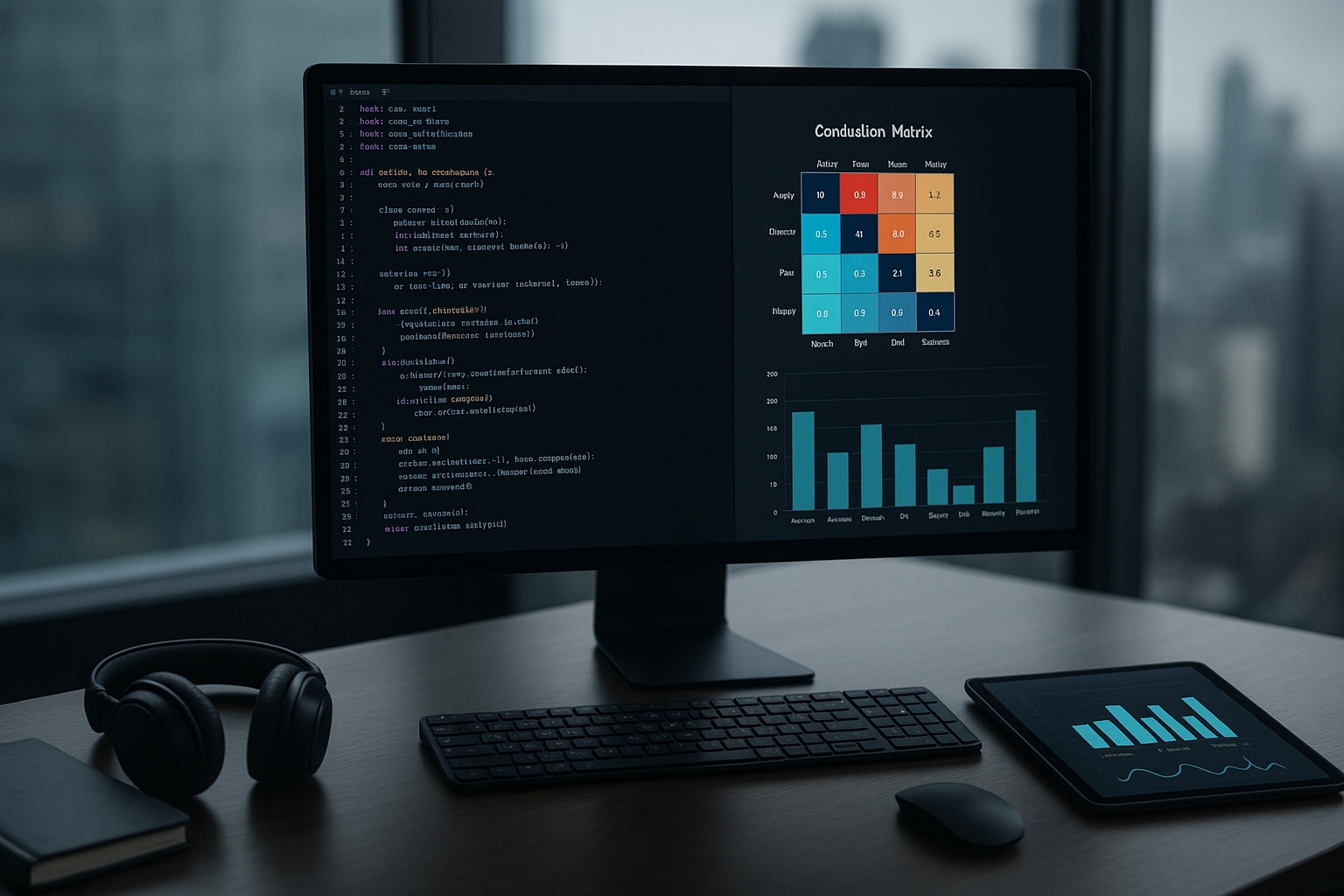
- Analyze the confusion matrix to see where the model most often makes mistakes.
- Test the model on real data, not just on the validation set.
Practical Business Applications: Sentiment Analysis, Customer Support, HR
- Sentiment analysis: Monitor customer reactions to campaigns, products, or services in real time. You can quickly identify negative feedback and intervene proactively.
- Customer support: Automatically prioritize tickets based on detected emotion (e.g., anger = urgency). Improve customer satisfaction and support team efficiency.
- HR & Employee Experience: Analyze employee mood in internal conversations or anonymous feedback. Identify early risks of burnout or declining morale.
Conclusion: Impact and Next Steps for Implementation
Emotion recognition with AI is becoming a strategic tool for companies looking to optimize customer interaction and improve internal processes. Even with small models like Mistral Small 3.1, you can achieve competitive results if you approach fine-tuning correctly and manage class imbalance.
Next steps? Test the workflow on your own data, adapt the pipeline to your needs, and explore integration with tools already used in your company. Investing in emotion recognition not only brings immediate value but also lays the groundwork for advanced automation in modern business.
(This material was assisted by an AI tool and reviewed by our team before publishing).