



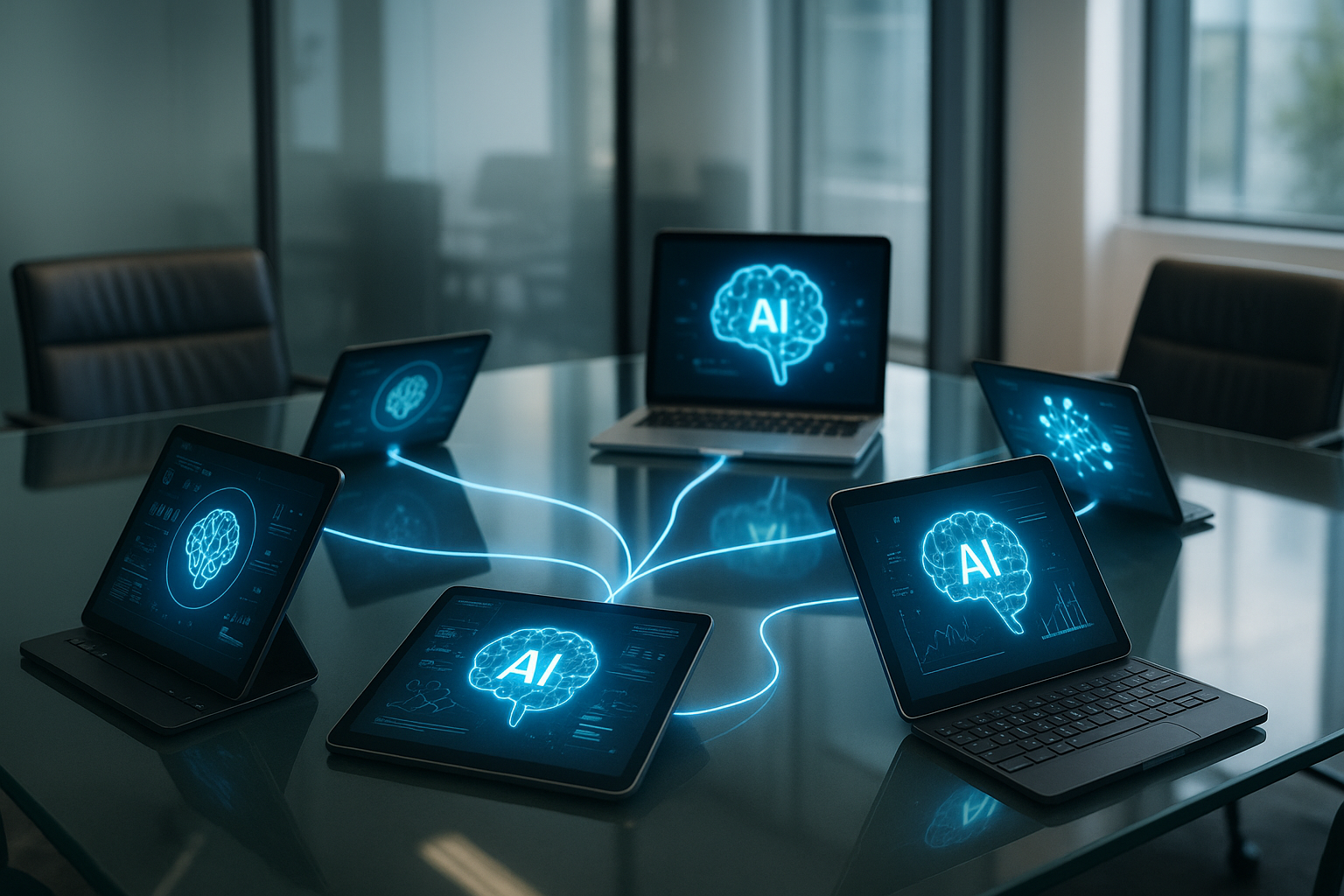
CQ | Why AI Works Better as a Team: The Secret to Real ROI for Organizations
⚡ Reper CorpQuants: AI delivers the greatest benefits when it is integrated into team workflows, not just as an individual tool. Managers who prioritize collaboration around AI achieve visible results and higher ROI.
Many believe that AI (artificial intelligence) is most useful when each employee uses it according to their own style and needs. It seems logical: everyone customizes their tool, just like picking a favorite tool from a kit.
But what if AI’s true potential is only unleashed when an entire team uses it together, as part of their workflow? New research shows that for organizations, the secret to real impact and increased ROI (return on investment) lies not in individual use, but in integrating AI at the team level.
Why Individual Optimization Isn’t Enough
In many companies, AI is seen as a personal assistant: each employee uses it as they see fit, for simple or repetitive tasks. For example, someone might use AI to quickly write an email or summarize a report.
However, this fragmented approach has its limits. If everyone uses AI in their own way, there is no shared direction and no team effect is created. It’s like having an orchestra where each musician plays a different tune, ignoring the others.
What Team-Level AI Adoption Means and Why It Matters
Adopting AI at the team level means that team members use the same AI tools, integrated directly into their workflow. It’s no longer just about personal preferences, but about shared processes where AI helps the whole team collaborate better.
Why does this matter? Because many important activities are not individual, but team-based: projects, meetings, planning, or solving complex problems. If AI is integrated into these processes, all members can work faster and more clearly, avoiding confusion and duplicated effort.
Practical Examples and Research Results
1. Better Collaboration
Imagine a team using AI to automatically generate notes after every meeting. All members receive the same, clearly structured information and know exactly what needs to be done. There are no more discussions about who understood what or who forgot a detail.
2. Increased Efficiency
Another example: AI can help teams prioritize tasks, quickly find relevant documents, or automate tedious steps. This way, the time saved can be used for truly important activities.
3. Visible Impact on Results
According to the Atlassian study, teams that use AI in a coordinated way reported a significant reduction in time spent on administrative tasks and improved workplace satisfaction.
Simple Steps for Managers and Teams Who Want Real Results
- Clearly define how your team will use AI: For example, for brainstorming, reporting, or organizing meetings.
- Choose AI tools that everyone can easily use: There’s no need for complicated solutions. What matters is that everyone has access and knows how they work.
- Integrate AI into team processes: For example, set up AI to automatically send summaries after each meeting or suggest next steps.
- Encourage feedback and adjust your workflow: Ask the team what works and what doesn’t, and adapt as you go.
In short, the key is not to have personal “robots,” but to make AI a team member that helps everyone work better together.
(This material was assisted by an AI tool and reviewed by our team before publishing).