



Introduction
Part 1 | How to turn artificial intelligence into a personal assistant, without technical knowledge or complicated apps.
It’s Monday, 9:00 AM. You have 27 unread emails, three meetings, a report to finish, and someone is already asking you for something “urgent.”
Meanwhile, you need to go shopping, schedule a doctor’s appointment, and find some time for yourself.
Sound familiar?
The problem isn’t necessarily that you have too much to do. It’s that you lose a huge amount of time trying to decide what, when, and in what order to do things.
But what if you had an assistant to organize your day, prioritize your tasks, and remind you of important things?
An assistant who never gets tired and never complains?
Well, you probably already have access to one. It’s called artificial intelligence.
And no, you don’t have to be a tech expert to use it.
AI as a Personal Assistant at Work
Organizing Work and Time
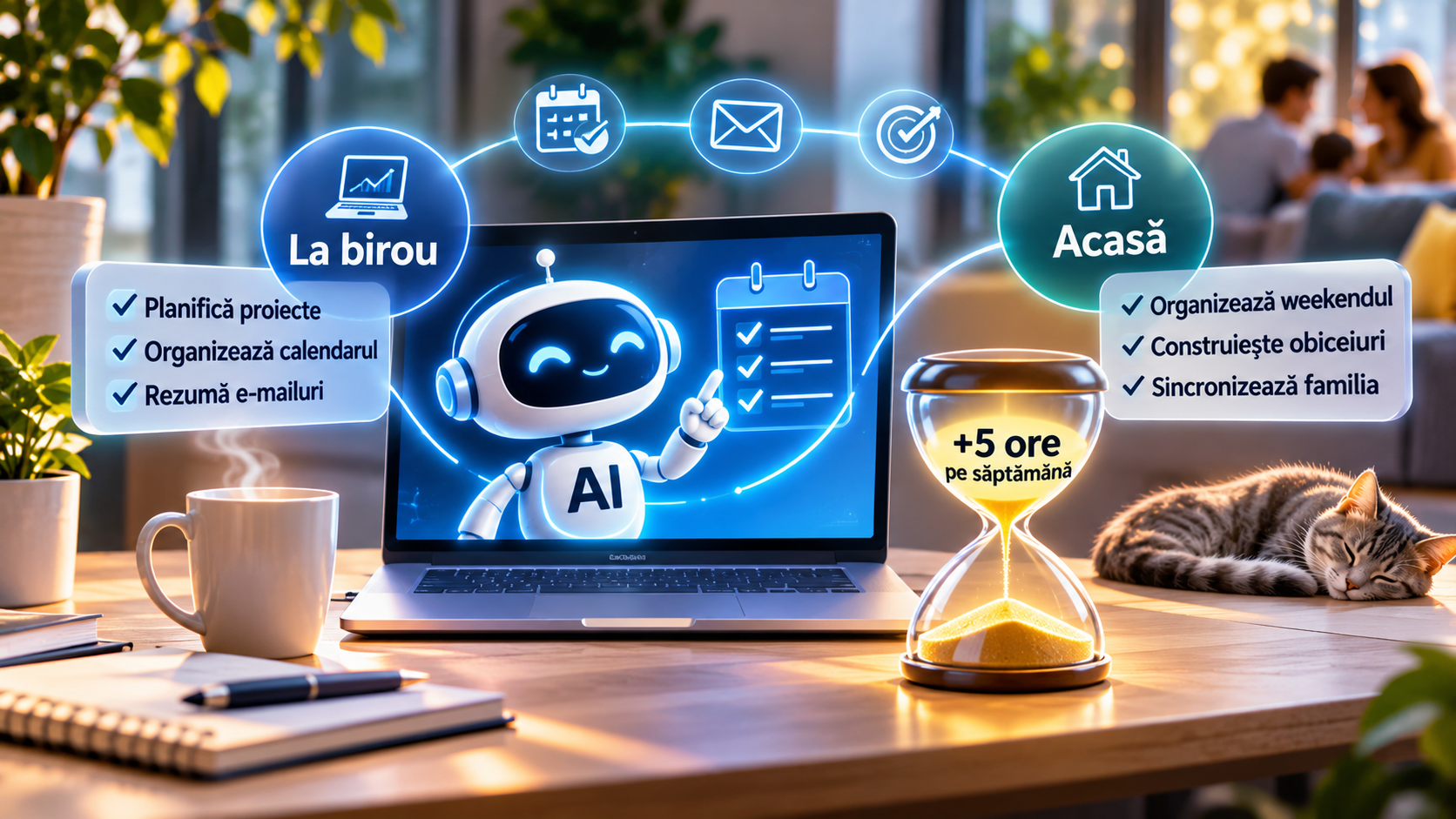
1. At work: Less chaos, more time for what matters
Let’s face it: sometimes we spend more time organizing work than actually working.
AI can change that.
Have a big project and don’t know where to start?
Instead of staring at a blank document titled “Quarterly Report” for an hour, tell an AI assistant what you need to do.
In seconds, it can propose a plan with steps, priorities, and time estimates.
It won’t necessarily do all the work for you, but it eliminates one of the hardest parts: getting started.
Does your calendar look like a game of Tetris?
Tools like Motion or Reclaim.ai can automatically organize blocks of time for projects, based on your already scheduled meetings.
An unexpected meeting pops up? The schedule can be adjusted without you having to manually reorganize your entire day.
Is your inbox a second job?
With the right tools, AI can summarize long conversations, identify important requests, and suggest replies.
Instead of reading every message three times, you start your day knowing what needs your attention.
An important tip: for work documents and emails, only use AI tools approved by your company.
AI in Personal and Home Life
2. At home: AI won’t wash the dishes, but it can save your weekend
Saturday morning. You need to go to the supermarket, the pharmacy, clean the house, and ideally, go out with friends.
By the time you decide what order to do things in, half the day is gone.
Why not delegate the planning?
Tell AI what you need to do, how much time you have, and which activities are a priority.
It can create a realistic schedule for you, with breaks and time for the things you actually enjoy.
And if you provide the locations and use map tools, you can even organize your shopping route, avoiding unnecessary trips.
Want to work out, read, or learn something new?
Instead of suggesting the impossible—”wake up every day at 5 AM”—AI can help you find 15–20 minutes in your existing routine.
Sometimes, small changes are the ones that last.
And your family’s schedule?
A shared calendar, combined with smart features, can reduce unpleasant surprises: two appointments at the same time, a forgotten booking, or an activity overlapping another.
Fewer arguments about “who was supposed to remember” and more time spent together.
Saving Time with AI
3. Can you really save 5 hours a week?
Let’s do a simple calculation.
Activity| Estimated time saved
Organizing daily tasks| 10 minutes/day
Summarizing and sorting information| 15 minutes/day
Planning shopping and activities| 45 minutes/week
Organizing your personal schedule| 30 minutes/week
Total potential| 3 hours and 20 minutes/week
And these are just a few examples. If you add drafting messages, comparing options, or planning personal projects, the savings can increase.
The 5 hours is not a promise or a guaranteed result. It depends on your routine and how efficiently you use the tools.
But the more interesting question is this:
What would you do if you got even three hours back every week?
AI Tools and How to Use Them
4. Do you need expensive apps?
Not necessarily.
You can start with free versions of assistants like ChatGPT, Gemini, or Claude.
You don’t need to install ten apps or learn programming.
You just need to know how to explain what you need.
And this is where the difference appears between an AI that gives you generic advice and one that actually helps you.
If you say “Organize my day,” you’ll probably get a pretty generic schedule.
But if you explain what you need to do, how much time you have, what’s urgent, and what you’d like to avoid, the result can be completely different.
AI doesn’t read your mind. But it can become surprisingly useful when you learn to give it clear instructions.
Conclusion
In part two: Let’s get practical!
Okay, the theory sounds good. But what do you actually write to an AI assistant?
In the next episode, we’ll show you how to talk to AI to get truly useful answers.
And more importantly, we’ll give you two ready-made instructions you can copy and use, with zero technical skills:
- – At work: turn a chaotic day into an organized schedule, with priorities and breaks.
- – At home: organize deep cleaning and weekend chores without sacrificing all your free time.
Just copy them, fill in a few details, and see what happens.
Because the real advantage of AI isn’t doing more things. It’s having more time for what truly matters.
Coming up: Part 2 — AI prompts that organize your day in just a few minutes.