



CQ | What Hardware Should You Choose for AI? Essential Guide for Professionals and Managers
⚡ Reper CorpQuants: The right hardware can radically accelerate the development and deployment of AI solutions, reducing costs and increasing scalability. Understand the role of each processor type (CPU, GPU, TPU, NPU) to make informed decisions in any machine learning project.
Artificial intelligence is not just about algorithms and data, but also about the hardware that makes them possible. Whether you are a project manager or a digital transformation specialist, choosing the right hardware infrastructure can make the difference between a successful AI project and one doomed to fail.
In a world where machine learning models are becoming increasingly complex and processing requirements are growing exponentially, understanding the differences between CPU, GPU, TPU, and NPU is essential. This guide helps you navigate the hardware options for AI and make efficient decisions tailored to your organization’s needs and budget.
Why Does Hardware Matter in AI/ML?
The success of an artificial intelligence project depends not only on data quality or algorithm selection, but also on the underlying hardware infrastructure. Every stage of an AI project—from model training to production deployment—requires specific computing resources, and the wrong choice can lead to delays, additional costs, or even make it impossible to scale the solution.
The Evolution of AI Hardware: Context and Current Trends
From the first AI models, which ran exclusively on CPUs, to today’s specialized accelerators, hardware for artificial intelligence has evolved rapidly. The need to process huge volumes of data and train complex neural networks has led to the emergence of new types of dedicated processors.
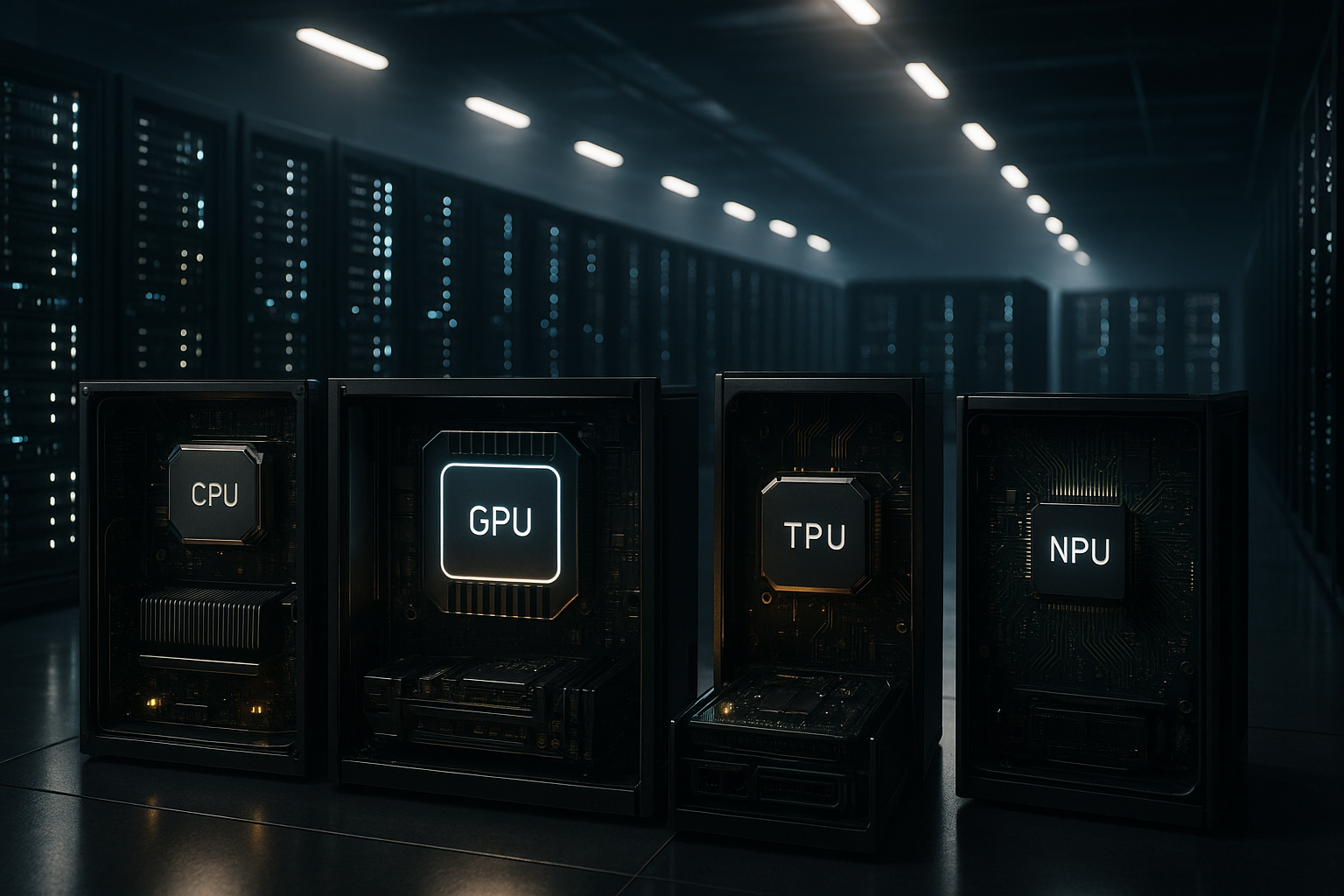
- CPU (Central Processing Unit): The classic, versatile processor, ideal for general tasks and sequential processing. Still used for data preprocessing and administrative tasks in AI.
- GPU (Graphics Processing Unit): Originally designed for graphics, GPUs excel at parallel data processing and are the standard for training deep learning models.
- TPU (Tensor Processing Unit): A hardware accelerator developed by Google, specially optimized for tensor operations and neural networks. It offers superior performance for certain types of AI models.
- NPU (Neural Processing Unit): Dedicated processors for AI inference, increasingly integrated into edge devices (phones, IoT) for fast model execution with low power consumption.
Currently, the trend is to combine these technologies to achieve an optimal balance between performance, cost, and energy efficiency, both in the cloud and locally (on-premises or edge).
The Role of CPU, GPU, TPU, and NPU in AI/ML
CPU – The Universal Foundation
CPUs remain indispensable in any AI system, handling control tasks, data preprocessing, and workflow orchestration. They are ideal for applications with low data volume or for rapid prototyping, but become inefficient for training complex models.
GPU – The Engine of Deep Learning
GPUs are optimized for massive parallel processing, essential for training neural networks. For machine learning projects with large data volumes or complex models (e.g., computer vision, NLP), GPUs dramatically reduce training time compared to CPUs.
TPU – The Specialized Accelerator
TPUs, mainly available through Google Cloud, are specifically designed for tensor operations, offering superior performance at competitive costs for certain types of AI models. They are ideal for organizations using TensorFlow that want to quickly scale model training.
NPU – AI at the Edge
NPUs are integrated into mobile devices, smart cameras, or IoT equipment, enabling AI models to run directly on the device without relying on the cloud. This reduces latency and bandwidth consumption, which is essential for real-time applications.
Practical Implications: How to Choose the Right Hardware for Your AI/ML Project
1. Define Project Needs
- Type of task: Training complex models (deep learning) or just fast inference?
- Data volume: Small projects can run on CPUs, but large datasets require GPUs or TPUs.
- Deployment location: Cloud, on-premises, or edge?
2. Assess Budget and Resources
- Initial investment vs. operational costs: GPUs and TPUs can be expensive, but they reduce development time and energy consumption.
- Scalability: The cloud allows rapid scaling without major investments in own hardware.
3. Analyze Impact on Performance and Scalability
- Performance: GPUs and TPUs accelerate training but may require specific software optimization.
- Flexibility: CPUs are more versatile but slower for deep learning.
- Edge AI: For mobile or IoT applications, NPUs are the optimal solution for local inference.
Conclusion: Recommendations and Insights for Professionals
Choosing the right hardware for AI/ML is a strategic decision with direct impact on project success. For training complex models, GPUs or TPUs are essential, while for fast inference on mobile or IoT devices, NPUs are becoming increasingly relevant. CPUs remain the foundation of any infrastructure, but cannot alone support today’s AI requirements.
The essential recommendation: carefully assess your project’s needs, available budget, and scaling prospects. In many cases, a combination of technologies (cloud + edge, GPU + NPU) can offer the best balance between performance and cost. Follow industry trends and don’t hesitate to test different configurations before making a final decision.
(This material was assisted by an AI tool and reviewed by our team before publishing).